In the current version of the VPOS, the Transaction Details by Location report, Transaction Details Report By Card Type, and Transaction Summary By Card Type have been upgraded to the new version. (This is the most utilized report in the VPOS and the one used almost exclusively to print very large reports.)
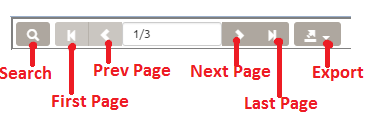
Usage of the report toolbar
1. Search Button:
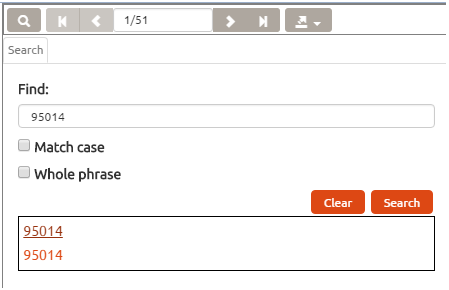
Click on the search button to open the search sidebar, type in any keywords then click on . Results be listed below. Click on any results to locate the position in the report of the keyword.
Clicking the search button again will close the search sidebar.
2. Page Control:
Click on the page buttons to navigate between pages.
3. Exporting reports using the ERE.
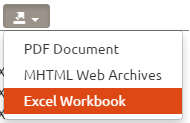
Click on the Export button to export the report to different file formats.
If you would like to print the report, it is best to export the report to a file, then print the file using PDF reader, Microsoft Office, etc.


 to open the search sidebar, type in any keywords then click on
  . Results be listed below. Click on any results to locate the position in the report of the keyword.