John Hopkins University
VPOS User Guide
×
Menu
Index

All News Posting

 
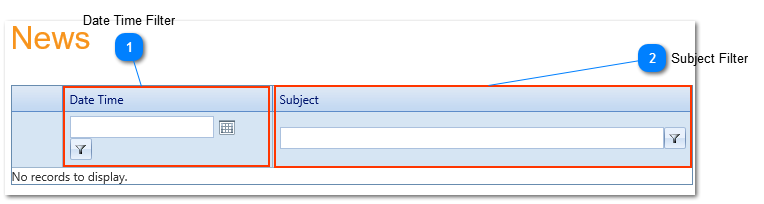
Users can view and search VPOS related news by clicking Home then All News Postings. After clicking All News Posting the user is presented with a control that contains two components Date Time(1) and Subject Filter(2). The user may use the control to search news based on it's date and time of being published and it's subject.
 
All News Posting
 
Date Time Filter
1

Date Time Filter

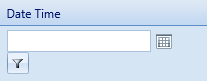
1. Date Time Filter
..
 
Subject Filter
2

Subject Filter

2. Subject Filter