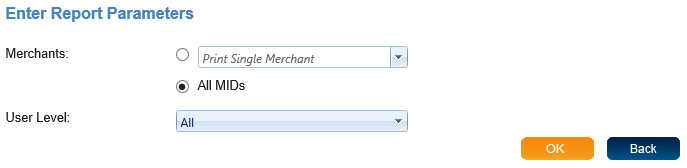
The User Report provides a list of users and information about each user. When you select User Report you will see the screen to enter report parameters. There are only two parameters for the User Report, which are a Merchant Option and User Level. You must select a merchant option. The user level is optional. If nothing is selected the default is all user levels. Once you have chosen the report parameters, click "OK" to view the report.
The User report will show the First Name, Last Name, Email, User Name, and phone numbers of each user. It also shows a record of each users last logon.