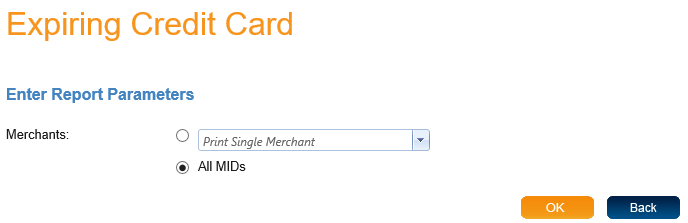
When you select "Expiring Credit Cards" you will come to a screen where you can enter report parameters. The Expiring Credit Cards report only has one parameter, "Merchants". You can either search by single merchant or "All MIDs".
When you have entered your parameters click OK to view the report. The report will open in a new window. At the top of the page you will find the type of report and then the report parameters you selected. The report lists all the transactions that meet the requirements of the parameters.
The report contains many columns of information. These columns are Customer ID, Order ID, Address, City State, Zip Code, Email, Work Phone, Work Phone, Home Phone, Card Holder Name, Card Type and Expiration Date.