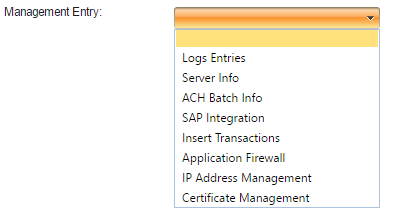
The JHU Management tab allows the administrator to select from 8 different types of entries from the "Management Entry" field and not necessarily required, but can help manage the administrators VPOS. These entries are shown below and include the following, "Log Entries", "Server Info", "ACH Batch Info", "SAP Integration", "Insert Transactions", "Application Firewall", "IP Address Management", and "Certificate Management".
Logs Entries
The Logs Entries field allows the admin to monitor the automatically updated logs and keep track of users. These logs display the activity of users and show error among user logins if an issue occurs.
Server Info
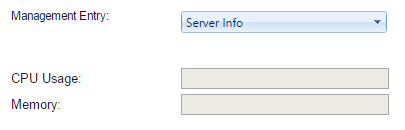
The Server Info field allows the admin to monitor the CPU Usage and Memory Usage of the server. Approved access to the 'Global' registry key is required. If access to the registry key 'Global' is denied, the CPU Usage and Memory field will be blank as shown below.
ACH Batch Info
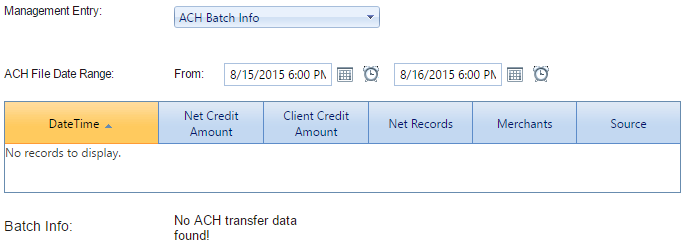
The Automated Clearing House (ACH) Batch Info field allows the admin to monitor financial transactions done by merchants and users. ACH info is stored by specified date and time, and can be adjusted by using the ACH File Date Range.
SAP Integration
The Systems and Partners (SAP) Integration field allows the admin to generate an SAP file, validate it, view the SAP file contents, and copy the SAP file to the live directory. Files can be selected from the "Files" drop down menu and can chosen by the files specified date.
Insert Transactions
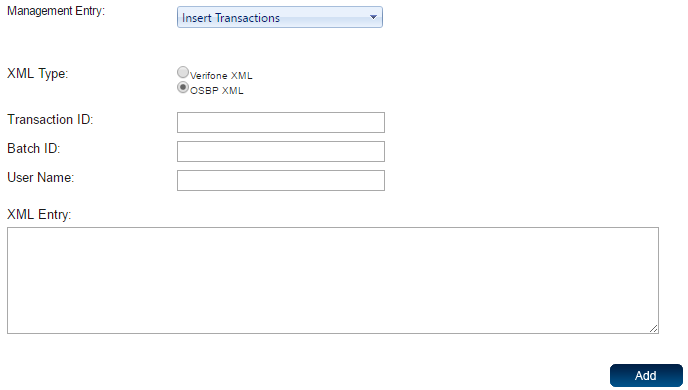
The Insert Transactions field allows the admin to record transactions with an XML entry. If anything other then an XML entry is recorded in this field, then an error will be displayed only allowing you to place an XML format in this area. Once all areas are completed, simply select the add button to record and document the transaction.
Application Firewall
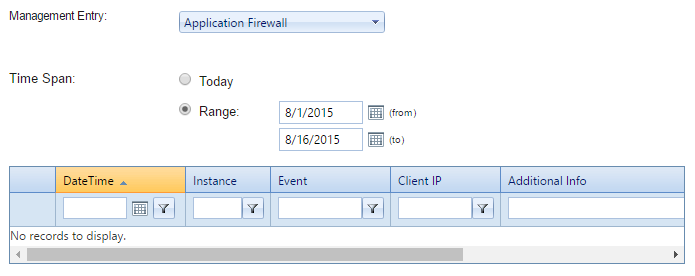
The Application Firewall field allows the admin to monitor records of user and clients application firewall. All events are recorded by date and time with the information regarding the event located under the Additional Info tab.
IP Address Management
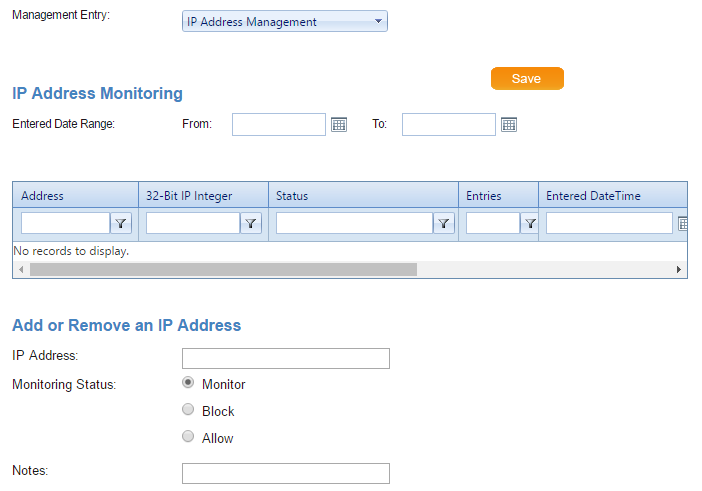
The IP Address Management field allows the admin to block, allow, and/or monitor IP addresses. Recordings of IP addresses blocked, allowed, or monitored are displayed in the table as shown below, along with its status and notes regarding the IP address.
Certificate Management
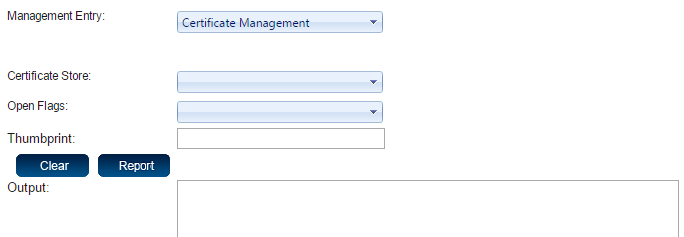
The Certificate Management field allows the admin to open and label a specific certificate and display an output once the certificate is reported.